
Amazon, Google, Meta: Whose AI Creative Actually Works?
The good, the bad, and the hallucination.

The Internet Has Opinions About AI Ads (They Are Not Good)
Coca-Cola spent two consecutive holiday seasons learning what consumers actually think of AI creative. Their 2024 and 2025 “Holidays Are Coming” campaigns, made entirely with generative AI, got called “soulless” and “AI slop” online - and “AI slop” wasn’t just a viral insult. Merriam-Webster named it 2025’s word of the year. But the campaign was also one of the most talked about campaigns of the holidays. All buzz isn’t necessarily good buzz though, and it’s unclear if Coca-Cola feels it was a success. The data doesn’t make it easier to read: 36% of US adults say they’re less likely to purchase from a brand that uses AI in its ads. And yet, 82% of ad executives believe Gen Z and millennial consumers feel positive about AI-generated ads. Only 45% of those consumers agree.
That said, many established larger businesses are using AI to help create their advertising and creative, and they are seeing cost benefits in doing so, especially for brands running repetitive visual work at scale. Cost per image drops if you can eliminate having to rent a location, book talent, or pay for edits. But the same practitioners are equally clear about the catch: at AI’s current capabilities you need someone functioning as a creative director, someone with real taste and a design background who can direct the tools the way they'd direct a shoot, especially if your product is complex and your brand has a high design bar. So the benefits of introducing AI into asset production are real, but nuanced, and often require experts to figure out the new flow and to create assets which resonate.
Smaller businesses won't be creating new processes to make ad creative more efficient in the same way bigger businesses are. They'll generally work with the tools which are most available as a single practitioner. This made me wonder: how good are these AI creative tools in the major ad platforms like Amazon, Meta, and Google? Are they useful for a smaller business? In the article below, I tried to make ad creative using a simple use case (Owala water bottle) and a complex one (Osmo, a kids game system which is less known and harder to understand) to test the limits of each platform. The results were mixed and fascinating.
Amazon Knows What Your Product Looks Like
Amazon's creative console has one structural advantage the other platforms don't: it knows what your product actually looks like. When you build creative in Amazon Ads, you start by selecting an ASIN, and the tool pulls your product images and listing data directly. The product photo stays intact. What the AI generates is everything around it: the background, the scene, the lifestyle context. This turns out to be a choice which can lend itself to more precise creative. The product image is the thing that needs to be right. It's usually a professional photograph with accurate color, accurate shape, accurate logo placement. Handing that to a generative model to reinterpret from scratch is very helpful to creating a realistic image. With that said, let me walk you through the process of using the tools.
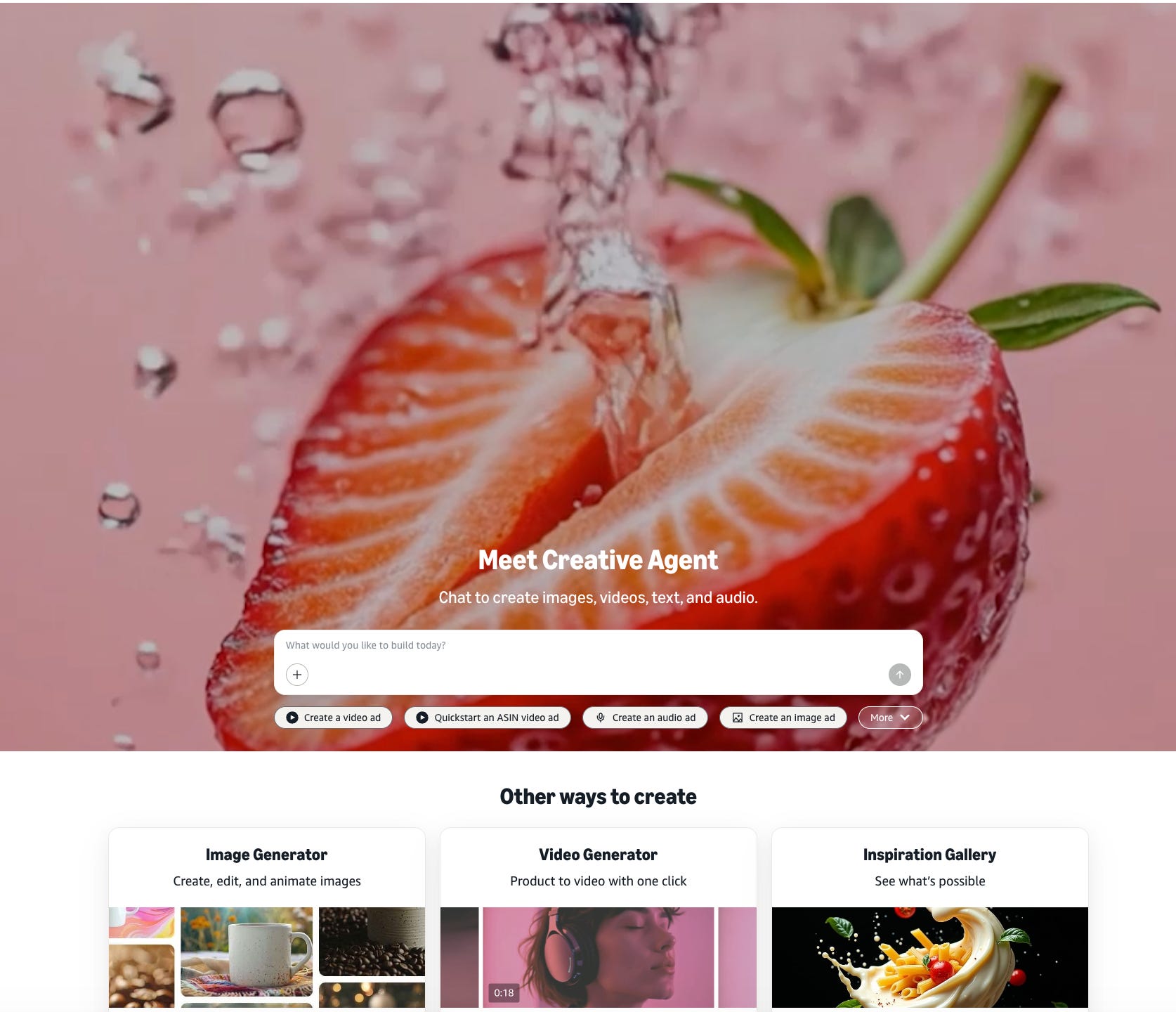
In Amazon Ads, there are four options, the image generator (You select an ASIN, it pulls the product image and listing data and generates a background), the video generator (takes your product images and animates them in a simple product-based animation), inspiration library (you essentially can look at images and use their prompt) and the creative agent, which is an open-ended tool more similar to Nano Banana. The Creative Agent is new and takes a creative concept, builds storyboards, and can create a full video ad.
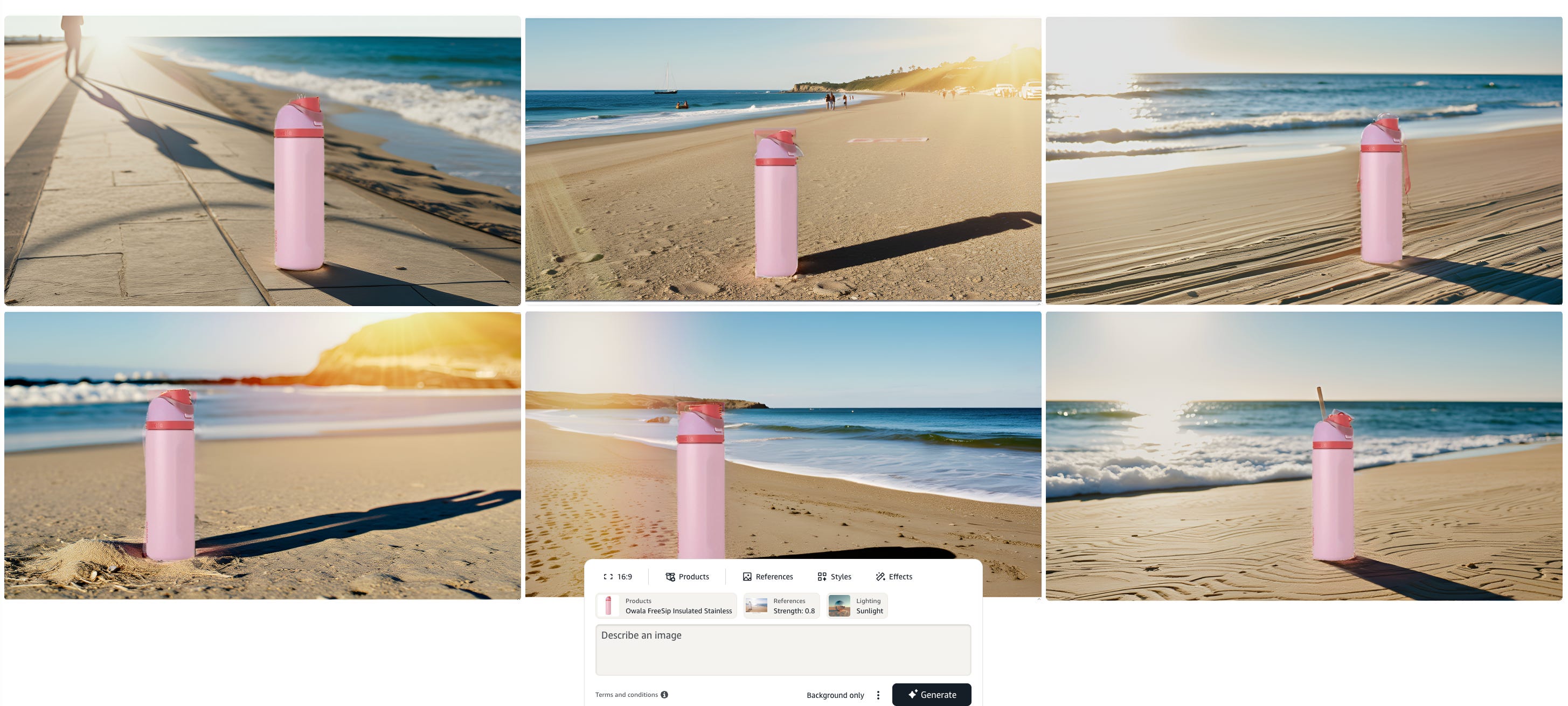
I did the most basic test first, using the image generation tool to make an ad with my Owala water bottle. I told the AI make an ad showing my water bottle on the beach. You upload any inspiration photos, describe what you want, and can select effects.
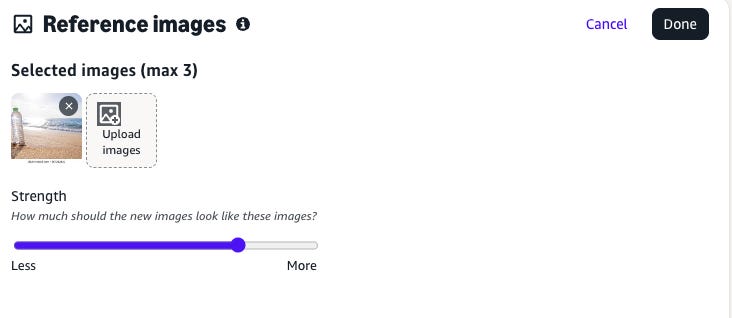
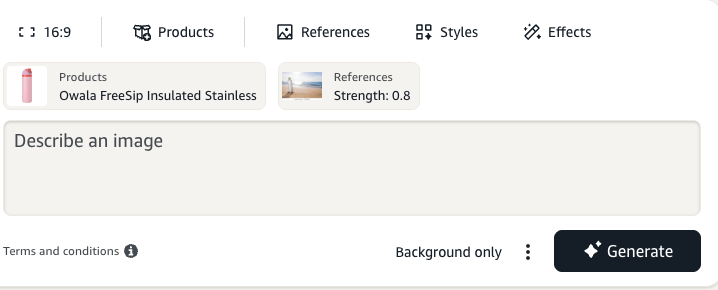
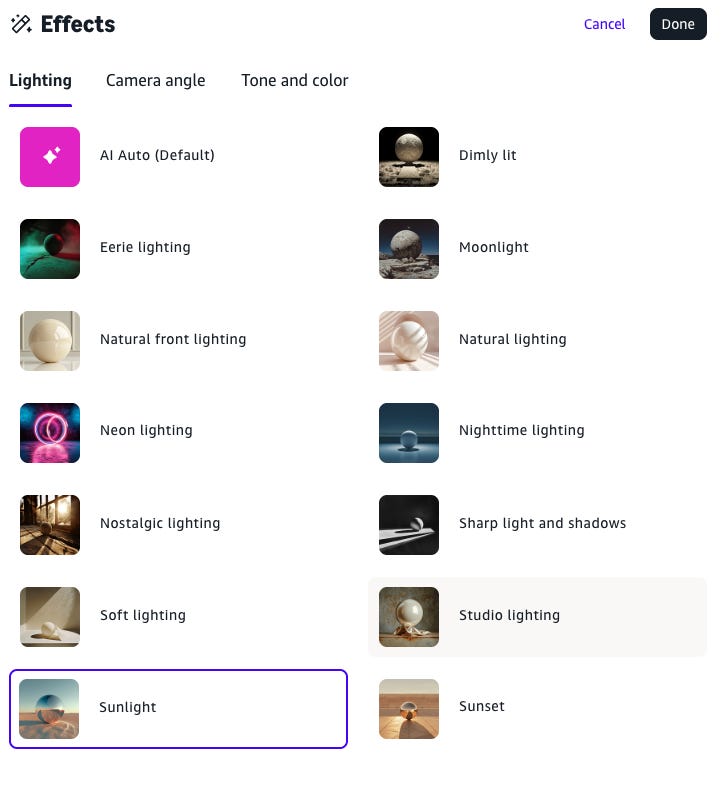
The results were just ok. The edges between the bottle and the beach are not very sharp, and the bottle looks like it was photoshopped into the image.
Amazon Image Results for Water bottle
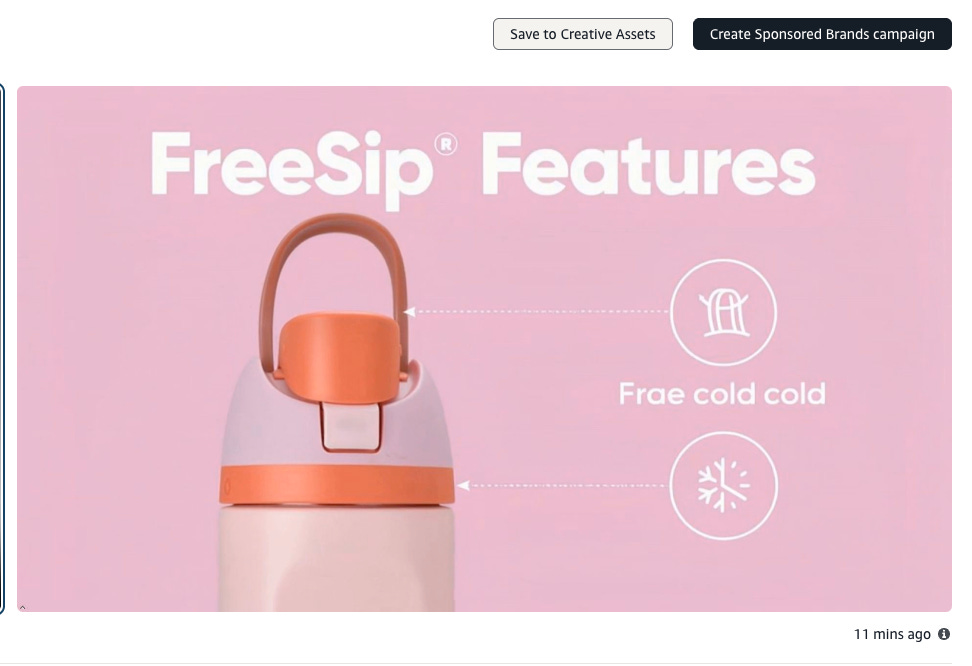
I also tried the video generation tool. It produced a few versions of a basic product video. There was some AI hallucination (see below), but it was pretty cool how the video took into account the ASIN’s product details from it’s page and created a real video from it. I think this would be useful for a product focused animation like a sponsored brands video.
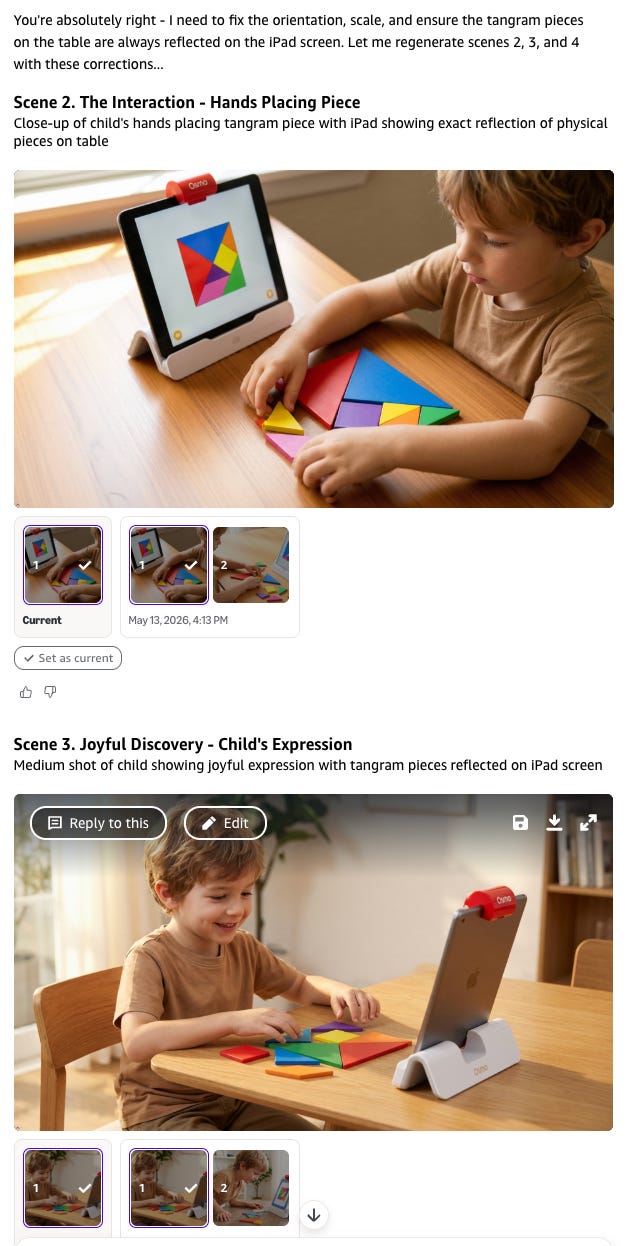
I moved onto “Creative Agent” the open ended newer creation tool. Again, I worked on a prompt for my Owala water bottle. The images were…ok. They look like AI, but if your design bar didn’t need to be too high for your use case, it might work.


I moved onto the final boss: the video prompt on a complex product (Osmo). The process was impressive. It presented me "the talent", an AI-generated kid for me to approve, and then we worked through storyboards together. Even within the storyboards there was a lot of product hallucination. I think I could have gotten something decent after a couple hours of work with this tool, which to be fair would be much cheaper than paying for a video shoot.
Overall review on the Amazon Ads Creative Tool: B+. Most creative very much looked AI-generated, with some issues with edges, shadows, etc. Nice interface to work with. Could be helpful with simple products with a lower design bar, or for someone with a lot of time to work with the tool and become an expert.
Next I moved onto Meta.
Meta Called It AI. I'd Call It a Filter.
Getting into Meta’s creative tools requires more patience than the tools themselves probably deserve. There’s no standalone creative console worth the name. You start inside a campaign, drill down to the ad level, and find the generative features buried in the Advantage+ Creative toggle. The standalone Creative Hub exists but was glitchy enough during testing to be more frustrating than useful. For a platform running the majority of the world’s social ad spend, the creative interface feels like an afterthought.
Once you’re actually in, the bigger issue becomes clear. Most of what Meta calls “AI creative” is more post-production enhancement than AI: subtle zoom or pan applied to a static image, auto-cropping for different placement ratios, brightness and contrast adjustments, text overlay repositioning, music added for Reels. These are algorithmic treatments that have existed in various forms for years. Meta has repackaged them under the Advantage+ umbrella and called it AI creative, which is mostly marketing. To be fair, producing all of those format variations manually would cost real money, and for a small business running ads across Feed, Stories, and Reels simultaneously, automated resizing alone has genuine value. But Meta is one of the most profitable advertising businesses ever built. The gap between what they’re capable of and what they’ve shipped in the native creative tools is hard to explain.
The glitchy Creative Hub.
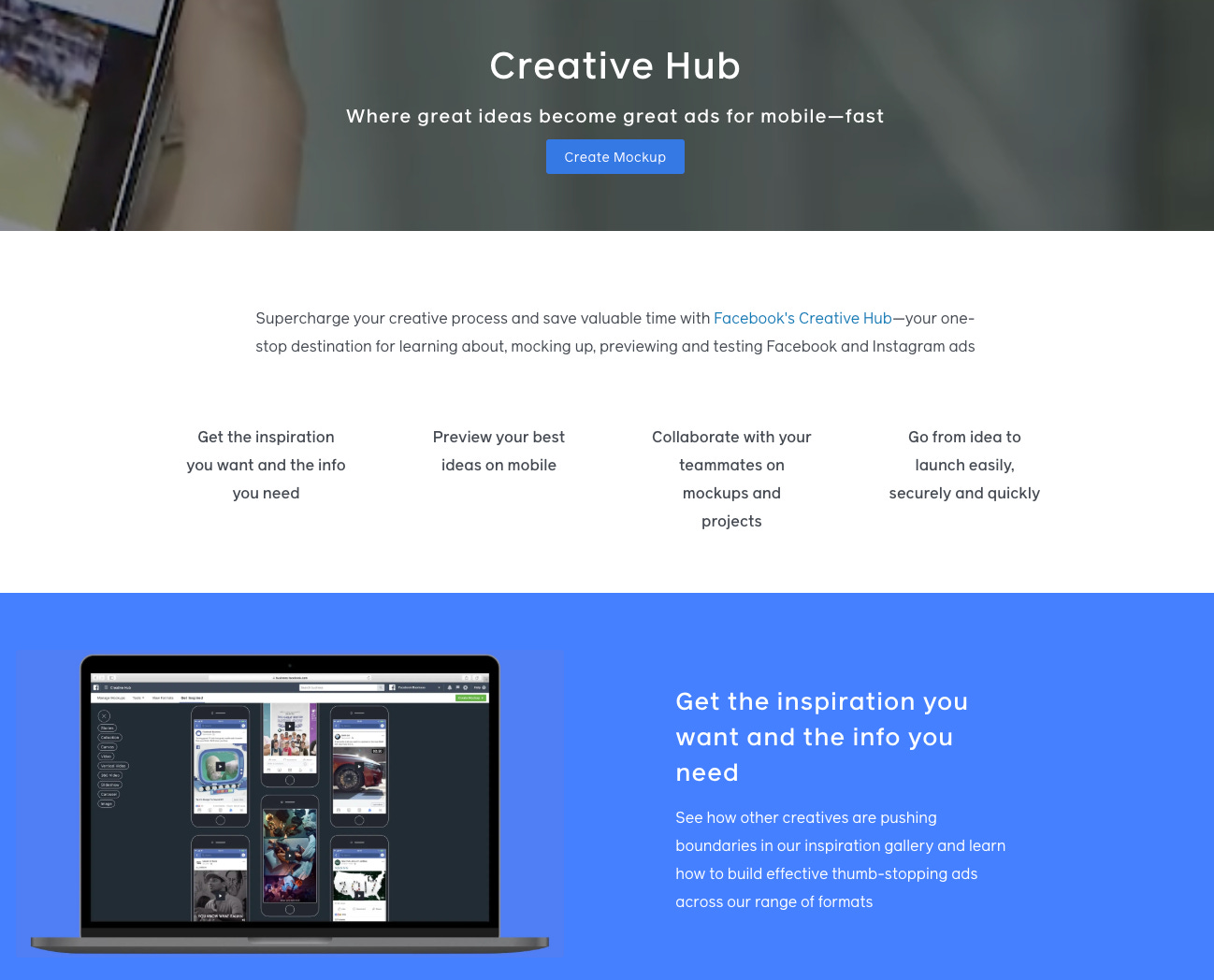
Here I worked to first create AI variations for my water bottle. It basically adds music or makes a little panning animation loop.
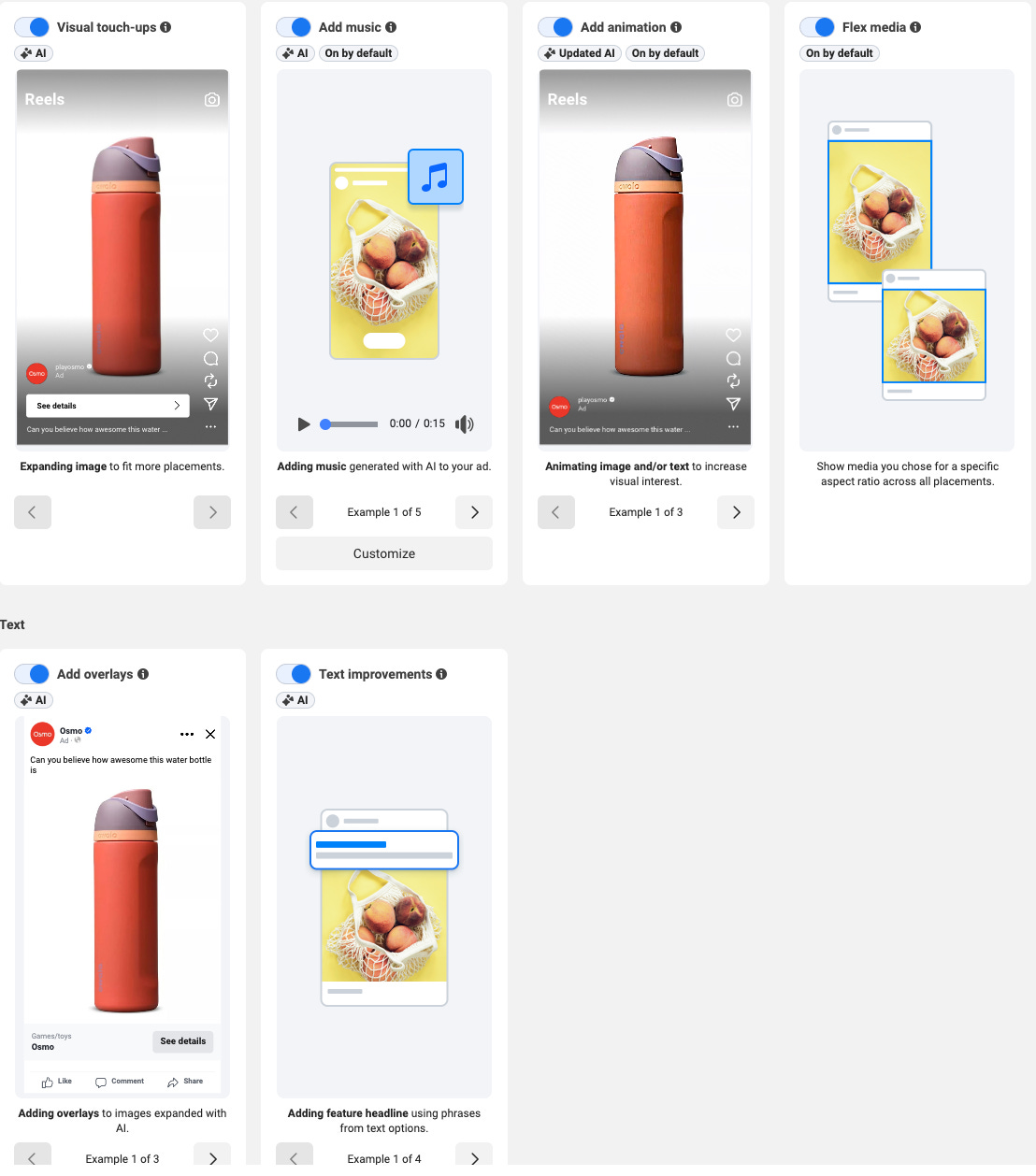
I got similar results with my more complex product, Osmo, mostly because there doesn’t seem to be a lot of AI happening within these treatments, so the product treatment remained the same as the original image which I uploaded.
Overall review on the Meta Advantage+ / Creative Hub: D. You can create variations but don’t have a lot of control over what gets made and where it shows. The hub had some errors. Needs some upgrading. 2/10, would prefer MS paint.
Next I tried the original Granddaddy of them all, Google Ads.
Google Has the Best Output and the Most Annoying Guardrails
Google’s Asset Studio is the easiest of the three to actually get into, which sounds like a low bar after Meta but isn’t. It opens as a standalone workspace inside Google Ads. You’re in a creative environment from the first click, which is the right vibe.
The underlying logic is similar to Amazon’s: you supply a product image and the AI generates lifestyle scenes around it, keeping the product photo intact while varying the background and context. Unlike Amazon, which pulls your image automatically from the ASIN, you upload it yourself here. The feature set is broader than either platform though. You can generate images from text prompts, edit backgrounds, remove objects, and build short videos from static assets. The most useful differentiator for brand-conscious advertisers is the style reference upload: you bring in your own existing creative, brand imagery, or mood board, and Google uses it to steer the visual output toward something that actually looks like you. I didn’t test this for this post, so YMMV on if it is actually good.
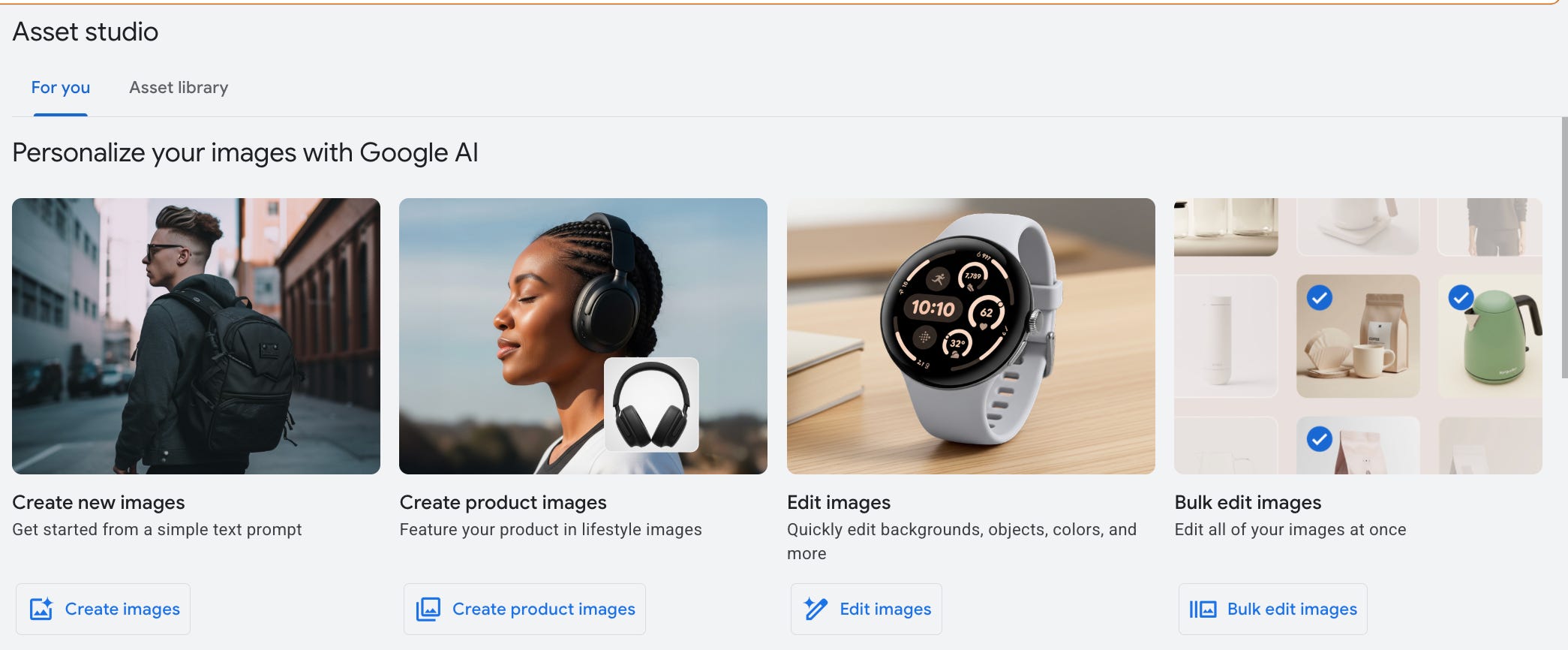
I first dove into “create product images” option which seemed like a useful one, and most similar to what I tested with Amazon. I first worked on the trusty water bottle project. You upload an image and provide a prompt.
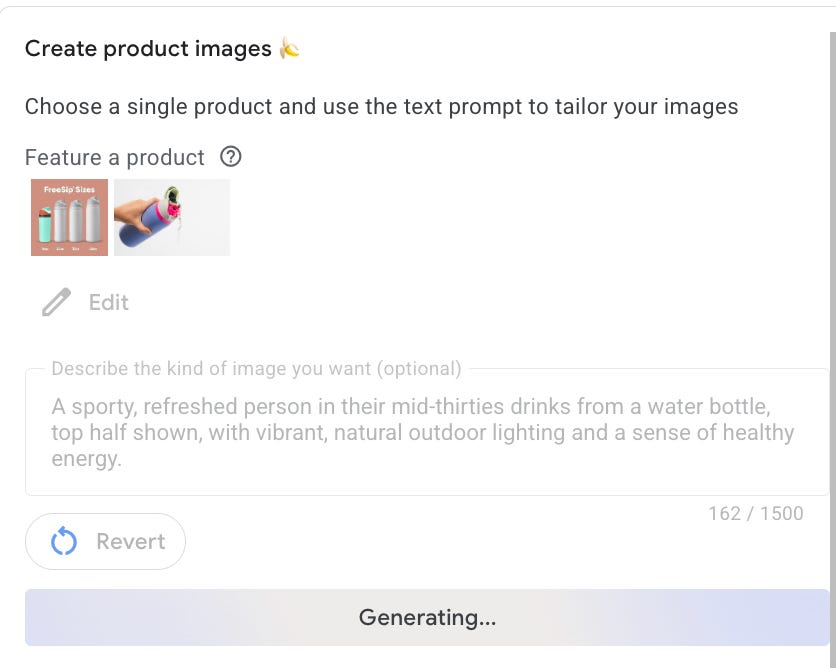
These images were the best of the bunch. Most of the creative options provided (there were 8) seemed reasonably viable and only a little AI-like. (AI needs to start using pictures of uglier people. The number one tell is that the people are too symmetrical).

I decided to move onto my “hard product” use case, which is to try to create images of Osmo, my complex and lesser known product.
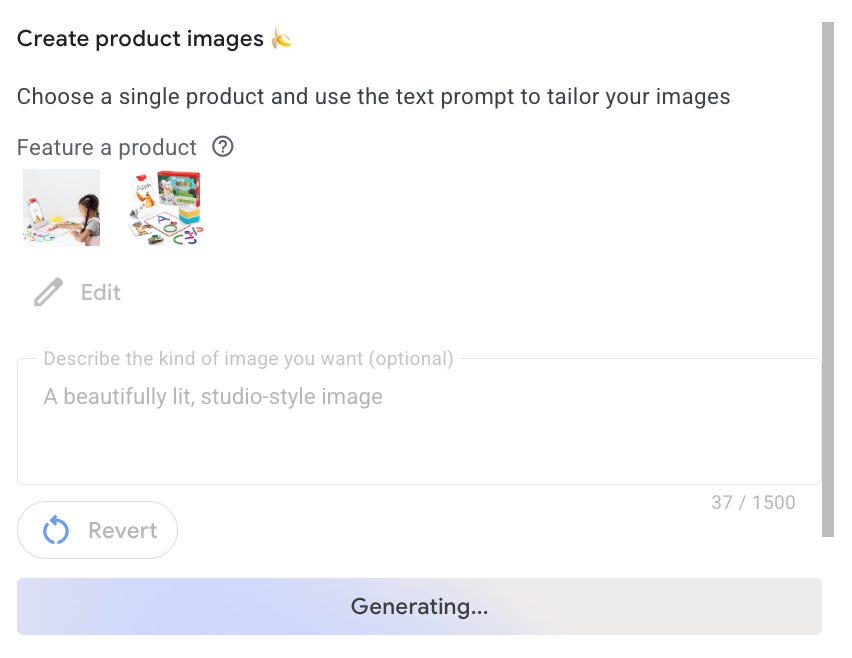
I immediately got blocked by Google and it refused to generate any image at all. It took me several Gemini queries (off ads platform) to figure out why it wouldn’t make me an image. The main reason, is that because Osmo is a kids product, I asked for an image of a kid using it. Google has that locked down as a safety filter. Some other filters that you may run into are IP infringement and using hands (which is oddly, also a restriction). I attempted a product only image and got something that is ok, but not acceptable because there are some product inaccuracies. That said, the inaccuracies are only clear to someone close to the product, so there is a world where this image could be used.
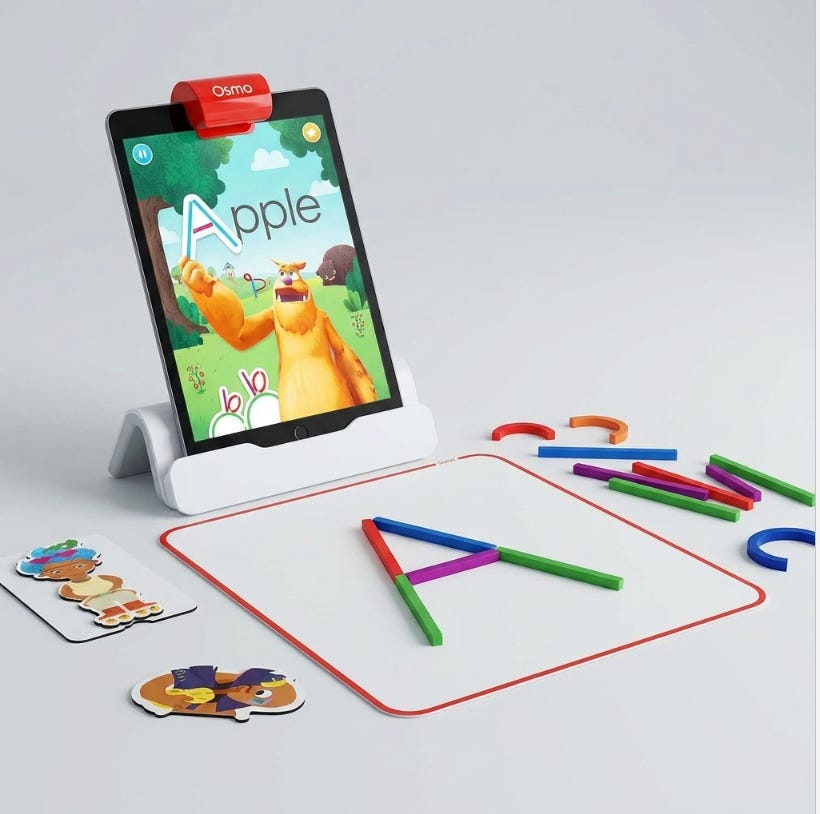
I then jumped into the image editing tools. While the setup seemed promising (it accurately highlighted an element to remove part of the image), my attempt to remove an element of an image (a packaging box) was definitely not usable. Looks like a watercolor!
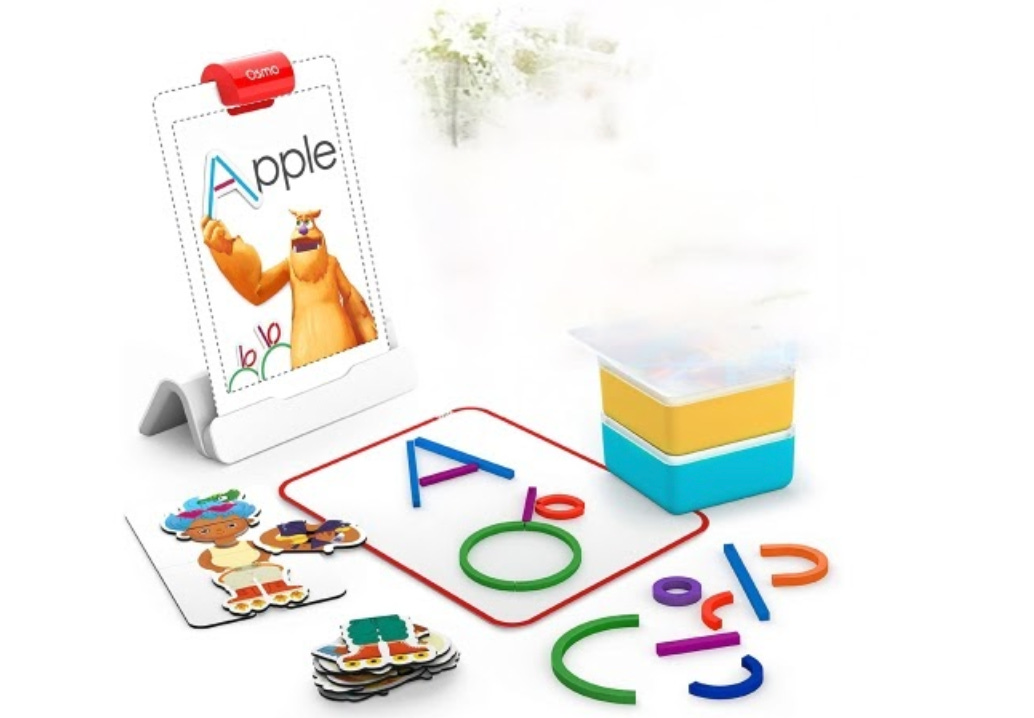
Overall review on the Google Ads Tool: B+, same as Amazon. I was impressed by the quality of the basic product lifestyle images, but it failed at making accurate images with my more complex product, and the background editor didn't do well either. It was also frustrating to be blocked without any explanation as to why. Still, I see potential here.
Why does AI image editing work better on simpler products
Image generation is trained on the broader internet. There are millions of images of Stanley cups, Owala bottles, and YETI. These products are photographed constantly by consumers, on social, in reviews. The model has seen enough of them that it can render the product reasonably accurately even from a single input image. The reasonable extension here is that the more common your product, the better these tools will perform. If the internet already knows what it looks like and how it's used, the AI does too. If you're creating something new, it will be harder.
Ok fine, who wins.
Between the front runners of Amazon and Google, it really depends on what you're trying to do. Google clearly has more restrictions on what it can generate, but also more use cases and edged out Amazon on image quality for the water bottle. Amazon has an impressive creative agent tool, and the future of it for video creation could be pretty interesting. Meta's tool is so completely different from Amazon and Google's that I'm genuinely wondering if they're going to build something comparable, or if they've decided they're the market leader in ads and don't need to.
Who Should Actually Use These Tools. Do they work?
It depends on who you are. If you are a small business owner selling a commoditized product and need many variations of the same general image, I think the in-ad tools could be really helpful. Same with being able to create different sizes and simple product-based videos. However, if you are selling a product that needs a very high design bar, is complex to show accurately, or needs more explanation, you probably need a stronger tool, multiple tools, or someone with design experience to help you out. If you’re running a larger business with more resources, it’s worth investing in tools outside these platforms that better support your specific needs and use cases.
So mostly no, sometimes yes.
Thanks for running the experiment and letting us see the results! Coming from a company that was doing B2B marketing on a highly technical product, I'd be super curious about how these would perform. (My guess: poorly)